
 Join our Discord
▶️ Preview & Setup
YouTube Demo Elevator with Progressbar | Full Documentation
What is a Progress Bar?
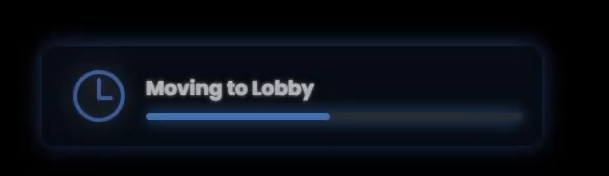
A progress bar is that simple on-screen timer you see when your character is doing something that takes time – like picking a lock, repairing an engine, or searching a bag. It's the little bar that slowly fills up to show you how much longer you need to wait before the action is complete.
⭐ Key Features
- Visual Progress Tracking – Shows percentage or time remaining for any action
- Modern Glass UI – Sleek, customizable design with blur effects
- Framework Auto-Detect – Works with ESX, QB-Core, QBOX instantly
- Customizable Actions – Lockpicking, healing, crafting, searching – anything you imagine
- Cancellable Actions – Players can cancel with ESC key
- Props & Animations – Add tools, sounds, and character movements
- Multi-Language – EN, DE, FR, ES, IT included
- Resmon 0.01 ms – Zero server impact
📦 What's Included
✅ Complete Progress System – ready for any action
✅ Beautiful Glass UI – customizable colors, icons, effects
✅ 10 Test Actions – lockpick, repair, heal, craft included
✅ Step-by-Step Docs – 5-minute setup for any action
✅ Lifetime Updates – new features & animations included
🛠️ Perfect For
- Roleplay Servers – lockpicking doors, repairing cars, crafting items
- Community Servers – searching loot, cooking, building
- Event Servers – timed challenges, mini-games
- Development Teams – consistent progress indicators across all scripts
🔒 Compliance & Safety
- No Game File Modification – keeps server integrity
- Framework Agnostic – works with ESX, QB, QBOX, standalone
- Secure & Lightweight – client-side only, zero server load
- Cross-Platform – supports all FiveM clients
📸 Screenshots

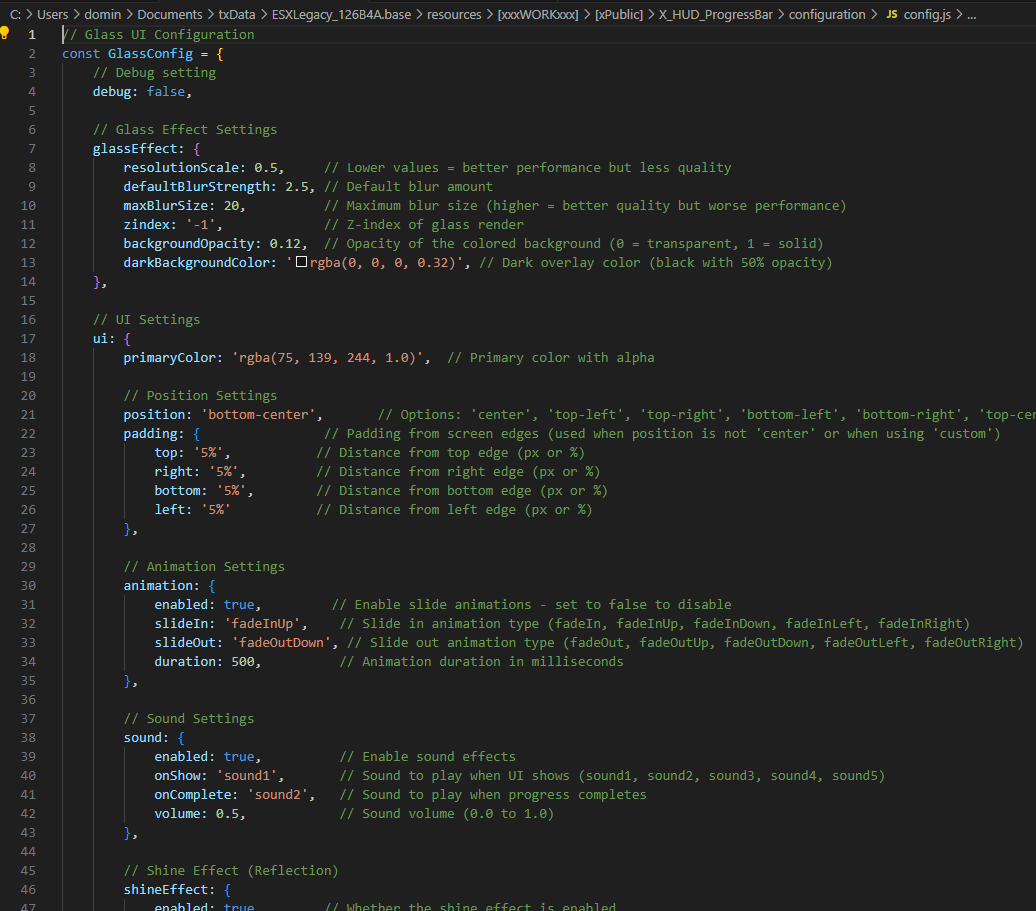
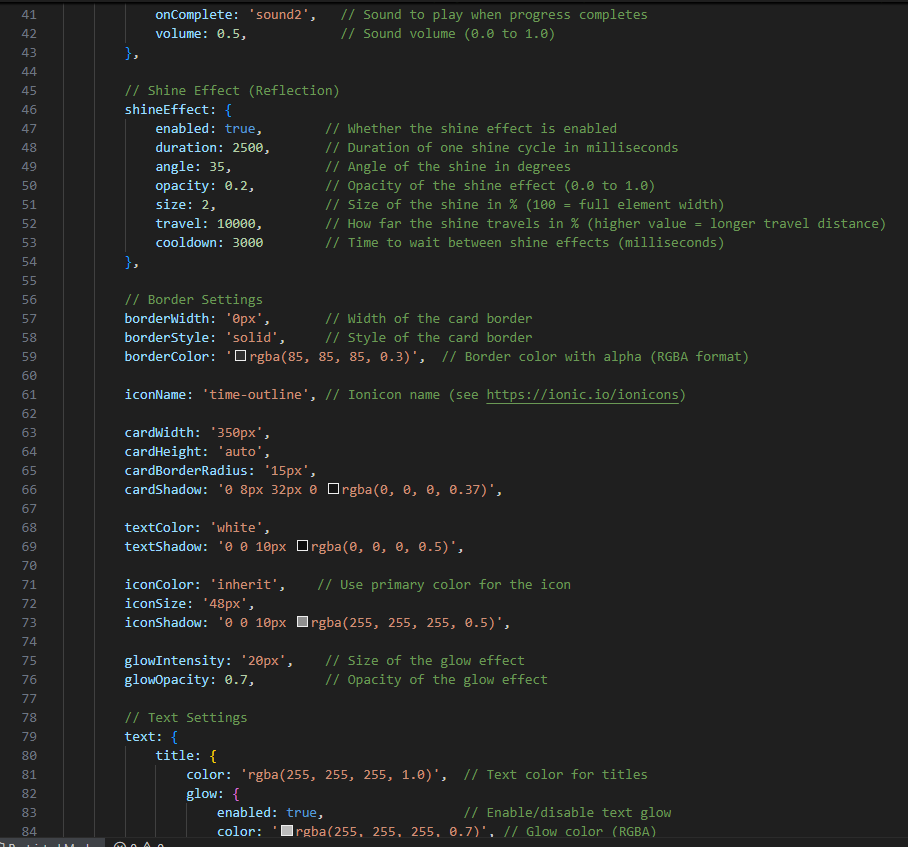
EASY CONFIG
⁕prices may increase in future