Join our Discord
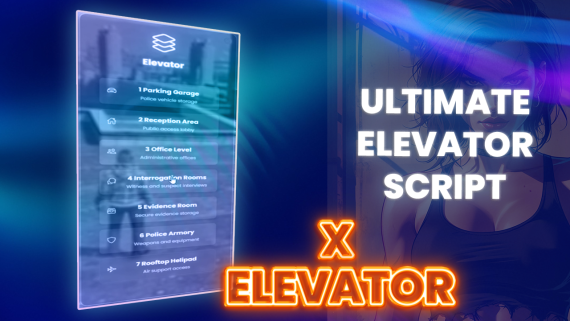
▶️ Preview & Setup
YouTube Demo | Full Documentation
What is X Elevator?
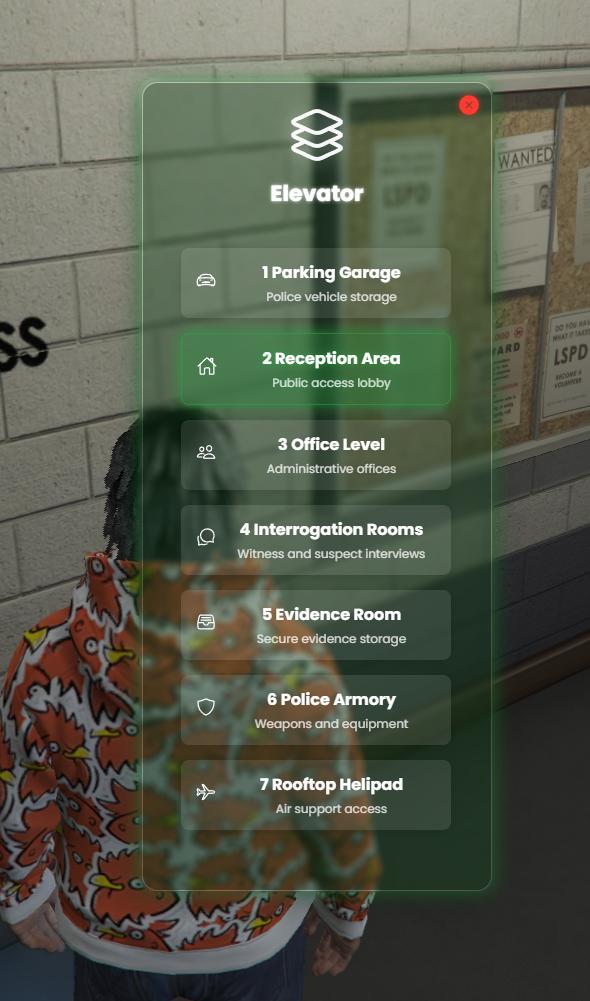
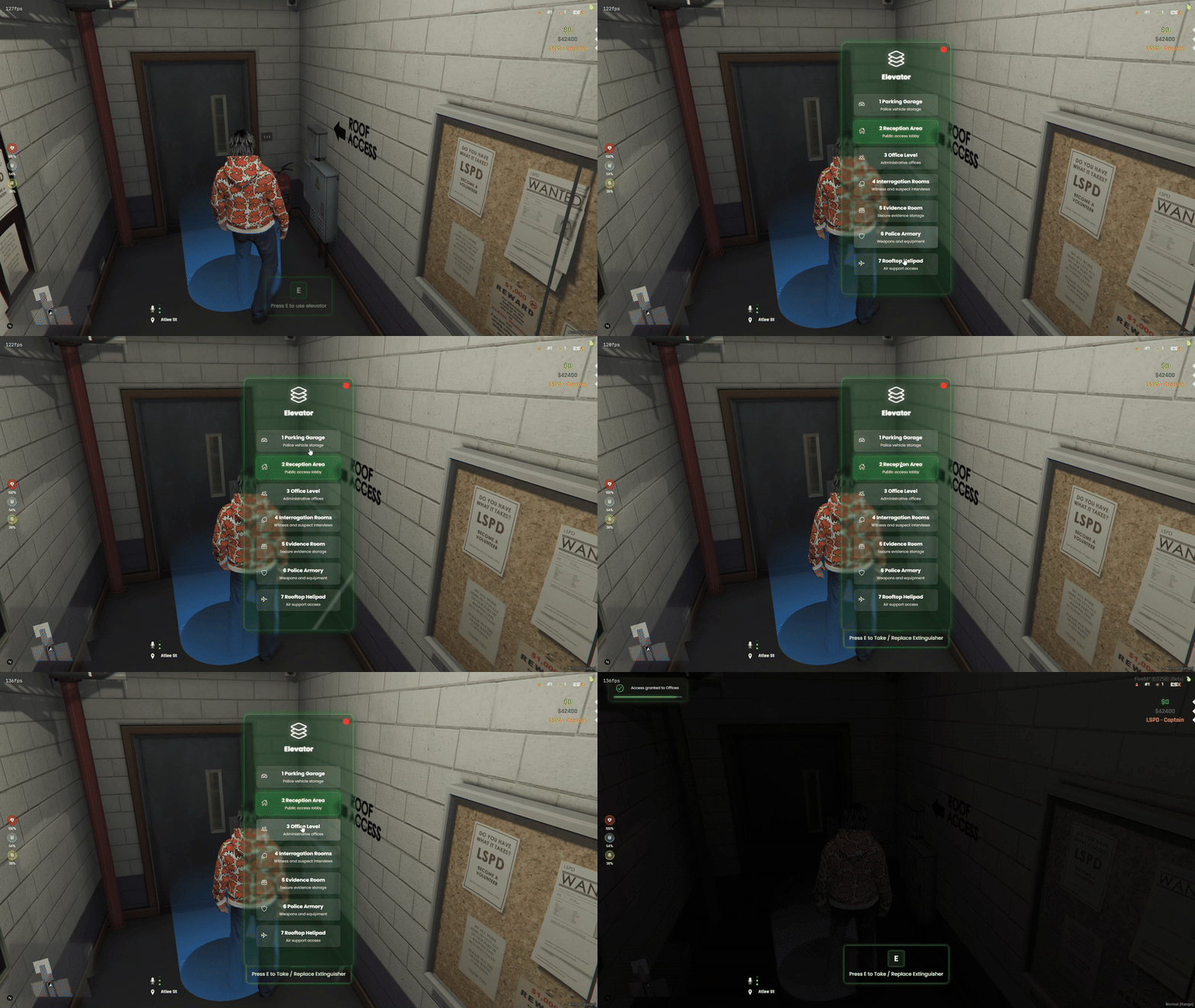
X Elevator is your server’s **magic lift button**! Players press a shiny marker, pick a floor, and teleport up or down—just like a real elevator. Admins can lock floors with jobs, keys, or passwords, turning any building into a multi-level playground!
🚀 Key Features
Public and Restricted Elevators: Create elevators that are accessible to everyone or restrict them to specific jobs, items, or passcodes.
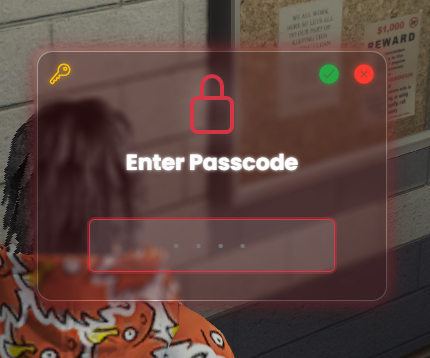
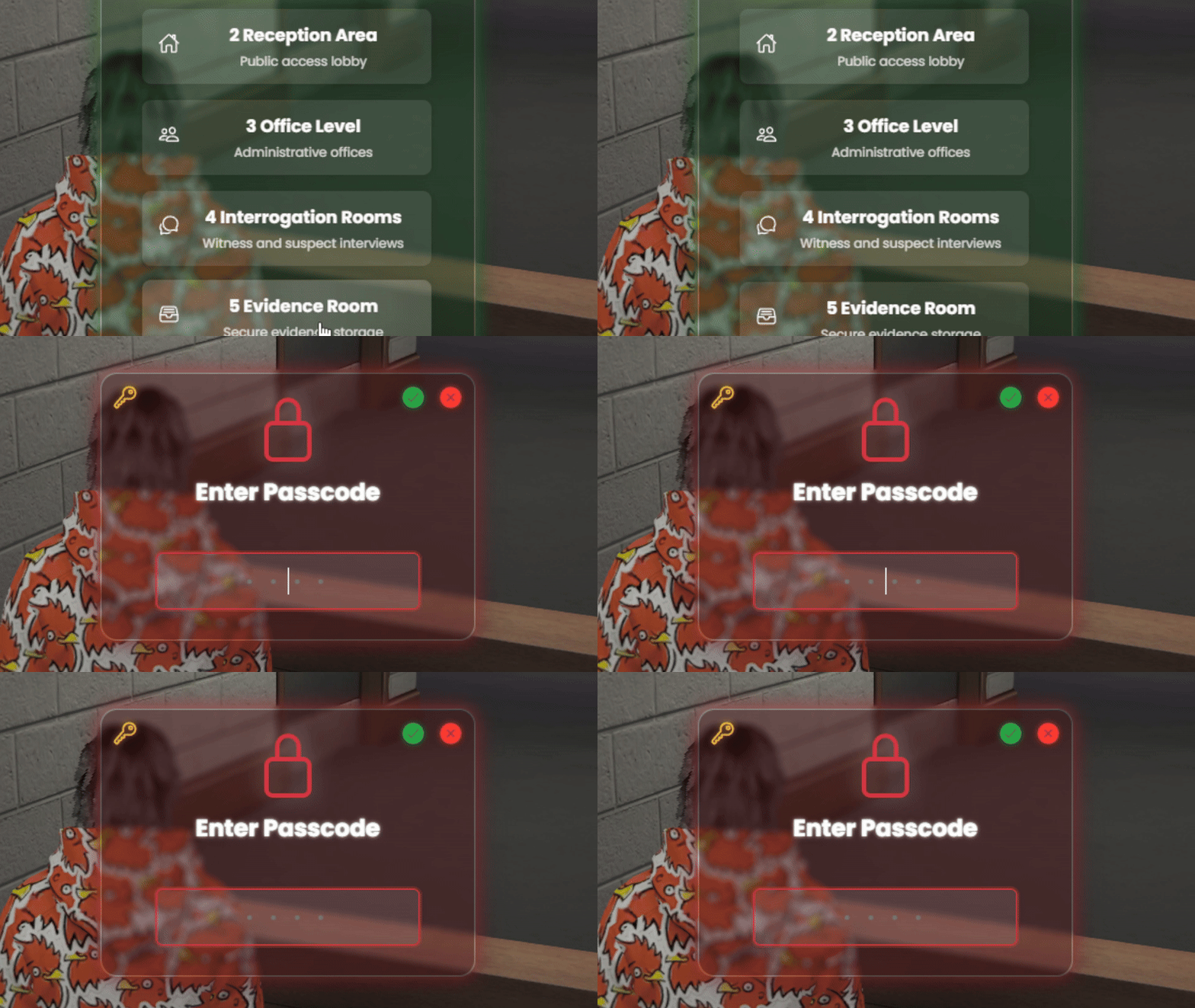
Multiple Access Control Methods: Choose from public, job-specific, item-based, or passcode access. Combine methods for complex access controls.
Customizable UI and Animations: Fully customizable NUI interface. Change colors, fonts, and animations to match your server’s style.
Full NUI Interface: Intuitive and modern UI for a seamless player experience.
Distance-Based Interactions: Easy-to-use interactions based on player proximity.
Support for ox_target and qb-target: Integrates seamlessly with popular target systems.
Custom Blips and Markers: Add custom blips and markers for elevator locations.
Elevator Sounds and Transition Effects: Realistic sounds and smooth transition effects for an immersive experience.
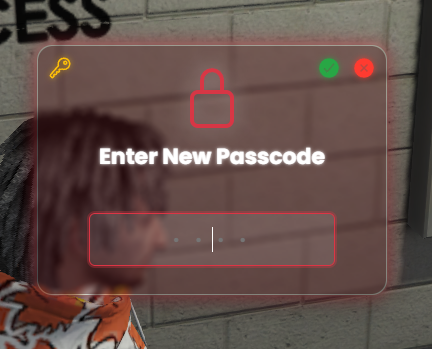
Passcode System with Admin Controls: Manage passcodes and configure elevators with ease.
Framework-Agnostic: Works seamlessly with ESX and QBCore.
📦 What’s Included?
Comprehensive Documentation: Step-by-step guides for easy setup.
Pre-configured Templates: Ready-to-use configurations for common use cases.
Priority Tebex Support: Direct assistance from developers for smooth implementation.
Lifetime Updates: Ensure your server stays up-to-date with the latest features.
🛠️ Perfect For:
Roleplay Servers: Enhance immersion with secure and stylish elevators.
Community Servers: Improve player experience with efficient vertical transportation.
Event Servers: Quickly set up elevators for special events without hassle.
🔒 Compliance & Safety
No Game File Modification: Ensures your server remains untouched and secure.
Dependencies: Requires ox_target or qb-target for full functionality.
📚 Documentation
For detailed setup instructions and configuration options, visit the FiveWorld Development Documentation.
📸 Screenshots